Pricing Tool
Project Information
- Category: UI/UX Design
- Client: Graphic Products
- Project Date: May, 2025
- Prototype Link: Application
Project Overview
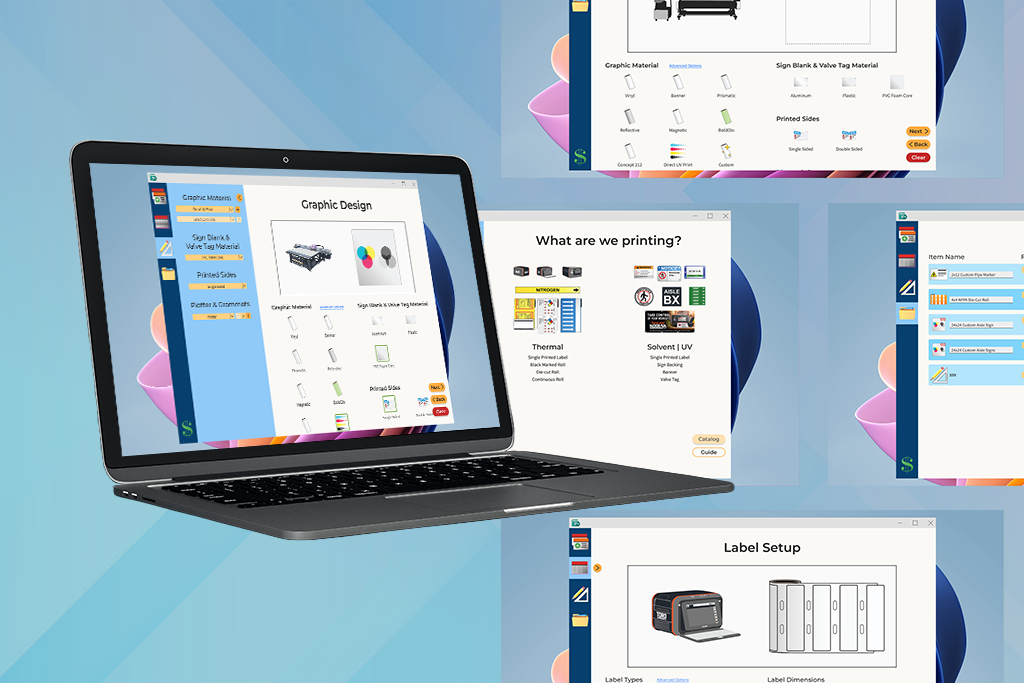
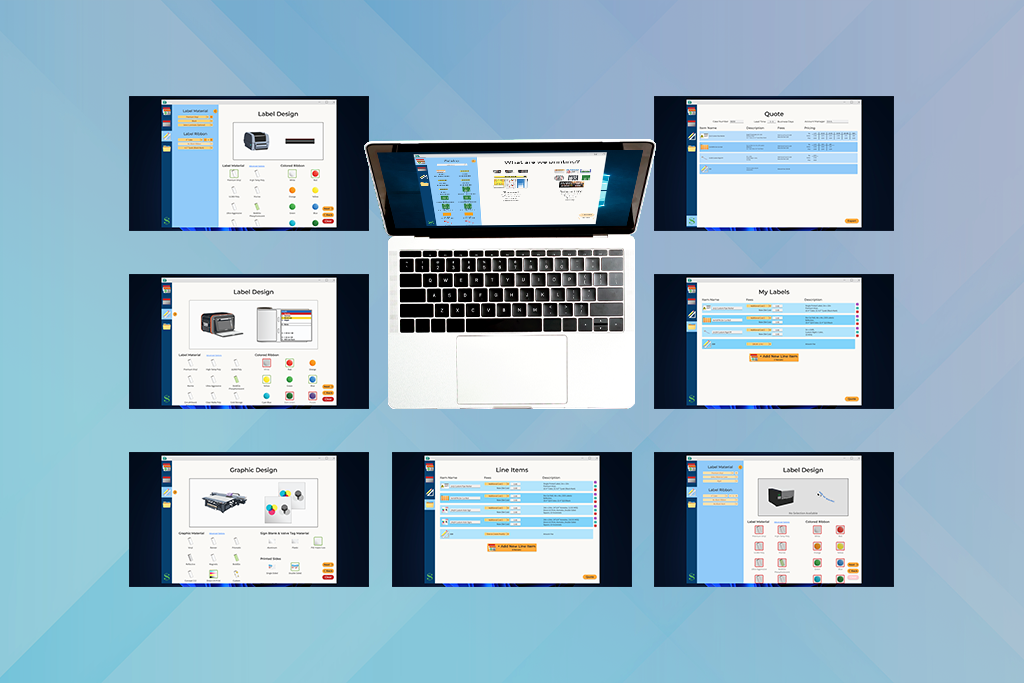
In my role as the Print Production Coordinator, I utilized an internal pricing tool to quote custom print jobs for customers. It would rely on the user to have a deep knowledge of the print practices employed in order to provide accurate pricing. This is a reimagining of that application as a tool to guide users, rather than placing the onus on the user to input correct figures.
Prototype Demonstration:
- Enter parameters for 2"x12" pipe marker [single printed label], black premium vinyl, with orange ribbon
- Rename the label
- New Line Item: Toro Printer, 4"x4" die-cut roll, reflective white vinyl, blue ribbon, red ribbon, yellow ribbon, black ribbon
- Rename the label
- New Line Item: 24"x24" foam core sign blank, double sided, two grommets
- Rename both of the newly created line items
- New Line Item: 2"x100" 1 Color Custom RigidTM roll
- Rename the roll
- Remove the signs
- Increase the Artwork Fee [559] to $30.00 (1hr)
- Navigate to the Quote tab
- Enter the Account Manager's name
- Enter the Case Number
- Export the Quote
Motivations
Reduce Quoting Errors
Account for material limitations, various measurement constraints, and color restrictions
Decrease Turn-Around Time
Provide the Sales Department with the opportunity to quote custom orders on the fly
Increase Ease of Use
Design an application that could be used by those not familiar with print practices
Reduce Production Costs
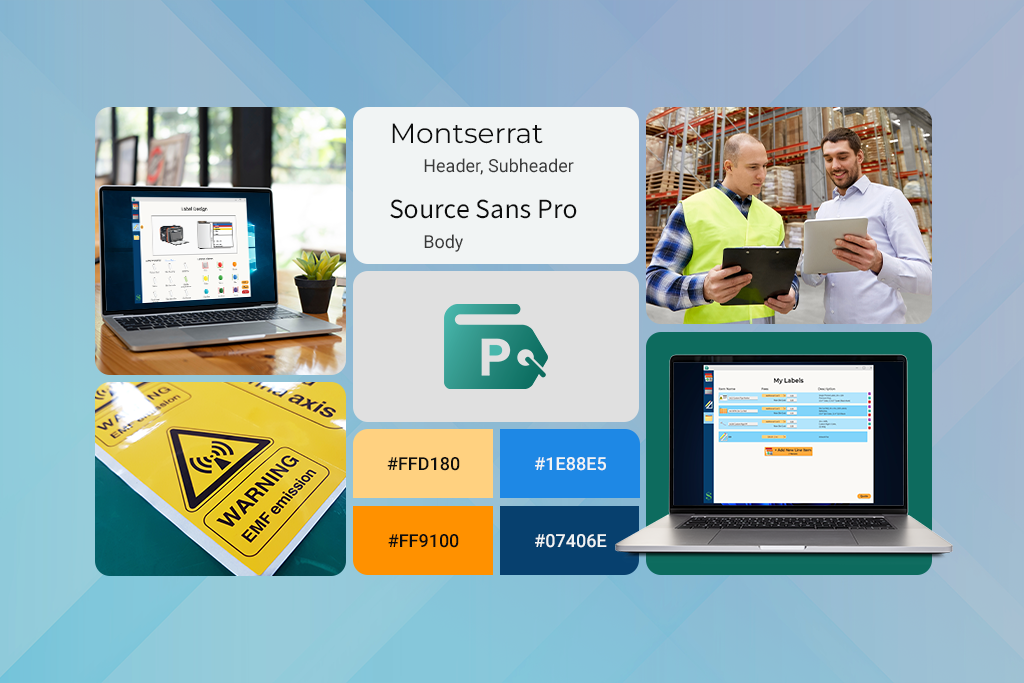
Utilize the same layout and designs from pre-existing application
Design Evolution
The original pricing tool contained a series of drop-downs, text fields, and calculated quantity price points off of those fields. Error messages restricting material length, cautioning against certain practices, or depicting the changes made, were non-existent. Quoting became a series of checks against current stock levels, historically printed labels or signs, and material limitations. Quoting custom orders took a half-hour to hour in order to provide pricing to customers.
Reimagining a custom pricing tool, I took inspiration from quoting tools on the market and our internal LabelForge Pro software. This reimagined application would guide users along a path to accurately quote custom print jobs based off of the printer used, desired rolls, and materials. This would ensure that any new hire could enter correct parameters without requiring extensive knowledge of our printing practices.
Lessons Learned
Throughout usability tests, with various departments, I realized that not all departments were familiar with what was required to print different rolls, labels, and signs. Testers were unfamiliar with certain terminology that was common in the Print Department, so more broad terms had to be used for materials and processes. Feedback on the inclusion of the pop-out menu was mixed; it was kept for ease of use to minimize scrolling fatigue and more experienced users could still enter the information quickly.
Next Steps:
- Account for additional edge-case scenarios
- Link with inventory management system for stock availability
- Further test and refine with users who are less familiar with thermal print practices